Checklist
Online check-in is not the last airport deadline
Know the difference between checked-in status, a usable boarding pass, document clearance and bag acceptance.
Start here
See the guide at a glance
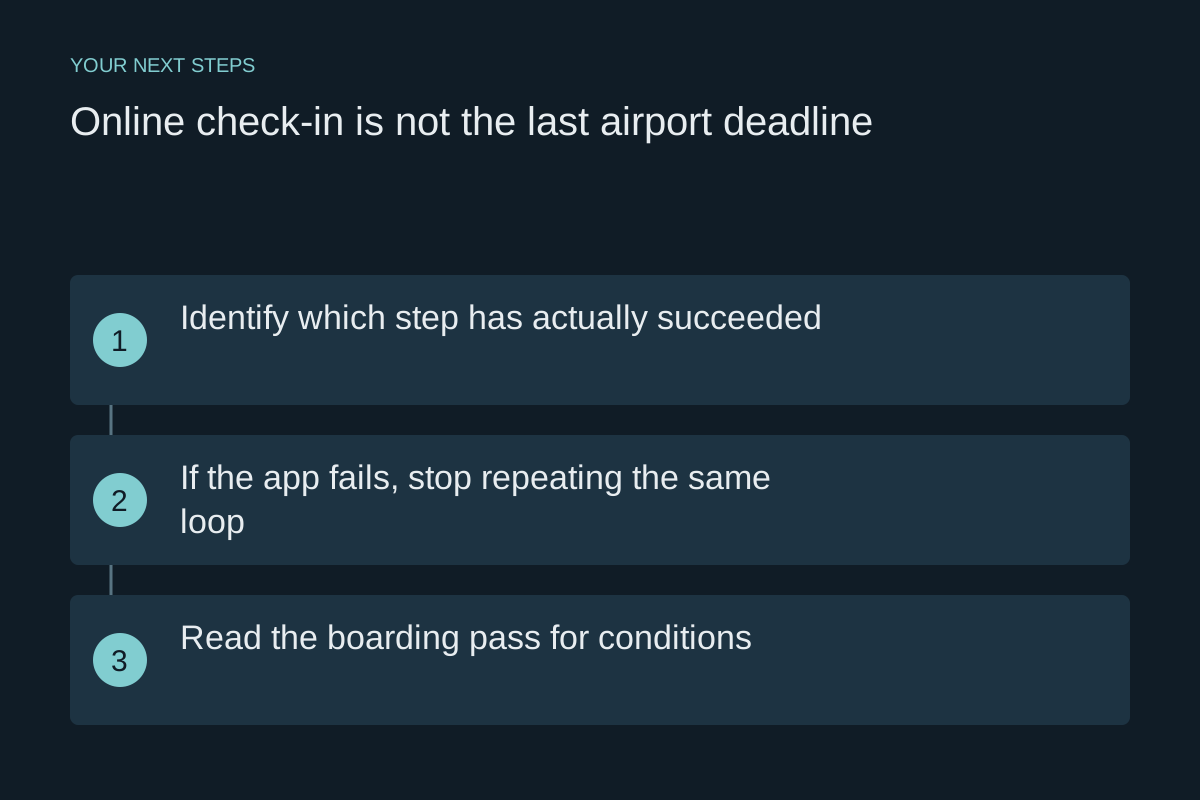
Identify which step has actually succeeded
An airline app can confirm one stage without completing the next. You may be checked in but still need a boarding pass, have a pass that requires document verification, or have completed passenger check-in without checking a bag. Read the full message rather than relying on a green tick.
Reddit travellers describe all three situations, including being sent to a counter after online check-in and discovering a document condition at the gate. These reports do not prove the same process applies to every carrier. They do show why “I checked in online” is an incomplete airport plan.
If the app fails, stop repeating the same loop
Record the exact error and time, then try the airline’s official website if appropriate. Confirm that you are using the operating carrier’s required check-in process and the correct reservation details. If the message explicitly tells you to see an airport agent, plan that counter visit instead of spending the remaining time reinstalling the app repeatedly.
Contact official airline support if the status remains unclear. Ask a precise question: “Am I checked in, do I have an accepted boarding pass, and is any document check outstanding?” Keep the answer and an error screenshot. These records may help explain what happened, but they do not automatically waive an airport service fee or extend a deadline.
Read the boarding pass for conditions
Look for instructions to present a passport, visa or other document at a counter or verification desk. Bring the actual required documents and allow time for review. A barcode does not itself prove that every immigration or airline requirement has been cleared.
If you cannot find where the check must occur, ask before leaving the public check-in area. At airports where security access is possible with a conditional pass, going straight to the gate may leave you too little time to return to the counter. Use the specific airline instruction rather than a story about what another traveller did.
Build your timeline backwards from the earliest cutoff
Write down separate times for check-in, any baggage-tag step, bag acceptance, required presence at the gate and gate closure. Use the itinerary and the airline’s current airport-specific page. The advertised departure time is not a target for arriving at the terminal.
American Airlines and Air Canada publish different deadline categories and airport exceptions. Air Canada explicitly distinguishes check-in/baggage requirements from gate deadlines and lists exceptions; American lists airports with earlier check-in times. Do not transplant a remembered 45-minute or 60-minute rule onto a different route.
- Find the earliest required completed step for your booking, including document review or checked baggage.
- Allow time for the queue before that step, then add security and the route to the gate.
- Add your ground journey, parking or terminal transfer before choosing when to leave home.
- Recheck the plan after a schedule, airport, operating carrier or baggage change.
A queue is a warning to act, not a guarantee of acceptance
If the line is moving too slowly for your deadline, tell an airline representative your flight and cutoff while remaining considerate of other passengers. Ask whether there is an authorised alternative desk or procedure. Do not force your way ahead or assume that being in line means your bag has been accepted.
If you cannot complete the step, ask staff what can still be done. Removing a checked bag from the plan may not be possible if its contents cannot travel in the cabin. Do not transfer restricted items into a carry-on just to catch the flight. Keep any baggage receipt and written explanation if the issue leads to rebooking.
Prepare a useful offline packet
Keep the itinerary, airline contact details, relevant documents and a boarding pass in the form the airline accepts accessible without relying on airport Wi-Fi. A screenshot is a backup only where the airline and airport accept it; some systems require their app or another specified format. Charge the phone and know how to display the pass before joining the line.
Before leaving home, say the sequence aloud: counter if needed, bag drop if needed, security, document or gate check, boarding. That short rehearsal often reveals an omitted step. Your goal is to know the next action and its deadline, rather than to diagnose every possible app error yourself.
Official sources
Checked October 22, 2026. Confirm the requirements for your airline, route and travel date before departure.
Passenger questions behind this guide
These Reddit discussions identify problems passengers reported. Advice in replies is not treated as an official rule.
- Can’t Check in Online?
- Can anyone shed some light on why sometimes you cannot get your boarding pass despite checking in online?
- Airline denied boarding with online checkin boarding pass
- I am not able to check in to Get Boarding pass in App
- Website says 45 mins bag drop off cut off for domestic flights but printing tags cut off at 60 mins
- Ryanair refused my bag even though I was already in the queue before cutoff